


We use mobile phones more than computers, so the battery consumption of mobile phones will become faster and the health of mobile phone batteries will decrease over time, so check various parameters (such as average battery usage, discharge speed, Charge estimates, etc.) may be useful. How do I check the battery health of my Android device?
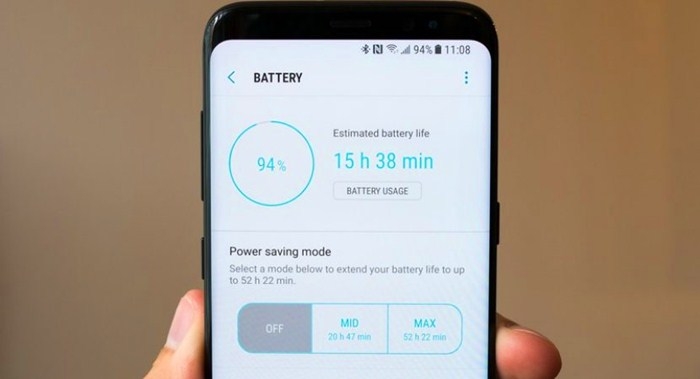
We will share a method to estimate the health of the battery, which will help you calculate various parameters of Android battery life.
First, download and install AccuBattery on your Android smartphone. After downloading, open the application and skip the tutorial section. You will see the main interface of the application. It will tell you about the charging cycle. Similarly, you can browse the Discharge tab for battery discharge information such as screen on time, screen off time, deep sleep time, etc.
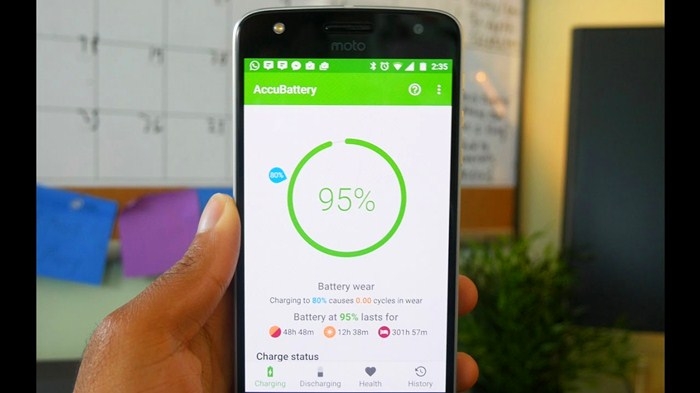
In the "Health Status" section, you can browse specific parameters such as health status percentage, estimated capacity, design capacity, etc. You can also browse the "History" section to check your charges and usage details. This is how you can check the battery status on your Android smartphone.
This article is all about how to check the battery health on your Android smartphone. If you have any questions about this, please let us know in the comment below.


Comment
Name*
Email*
Your email address will not be published. Required fields are marked *